Make Your Client Communications Safer Than Ever
Any time your client sends back a retainer agreement (which includes their banking information) via email, that message passes through multiple servers before reaching your inbox. When it’s unencrypted, anyone with access to those servers, such as IT administrators and even hackers, can read every word.
Now imagine your client discovering this vulnerability. They trusted you with sensitive personal and financial data, and you received it through one of the least secure communication methods available. That’s not a hypothetical scenario, either. It happens at law firms every day, and it’s exactly why client portals have shifted from “nice to have” to “absolutely required.”
According to the American Bar Association’s 2023 Legal Technology Survey, 29% of U.S. law firms reported experiencing a security breach, and Canadian stats are likely similar. The firms that avoided becoming part of that statistic weren’t simply lucky: they implemented proper security measures, which include well-fortified client portals.
The Email Problem Nobody Wants to Talk About
Email was never built with security in mind. When programmer Ray Tomlinson first sent a test message to himself in 1971, he was essentially mailing a digital postcard, meaning that anyone handling it along the way could read it.
Standard email travels through multiple servers, each operated by different companies with different security practices. Your message might pass through a server in another country with weaker privacy laws. It sits in both the sender’s and recipient’s inbox indefinitely unless manually deleted. Email can also be forwarded to anyone, copied, screenshotted, and saved without any record of who’s seen it or where it went.
Client portals help solve this issue by keeping sensitive communications and documents within an encrypted, access-controlled environment. Messages and files never leave your secure system. You can see exactly who accessed what and when. If you need to revoke access, you can do it instantly rather than trying to recall emails that have already been forwarded or downloaded.
What Actually Keeps a Portal Secure?
When evaluating client portal solutions, certain security features should be non-negotiable. They include:
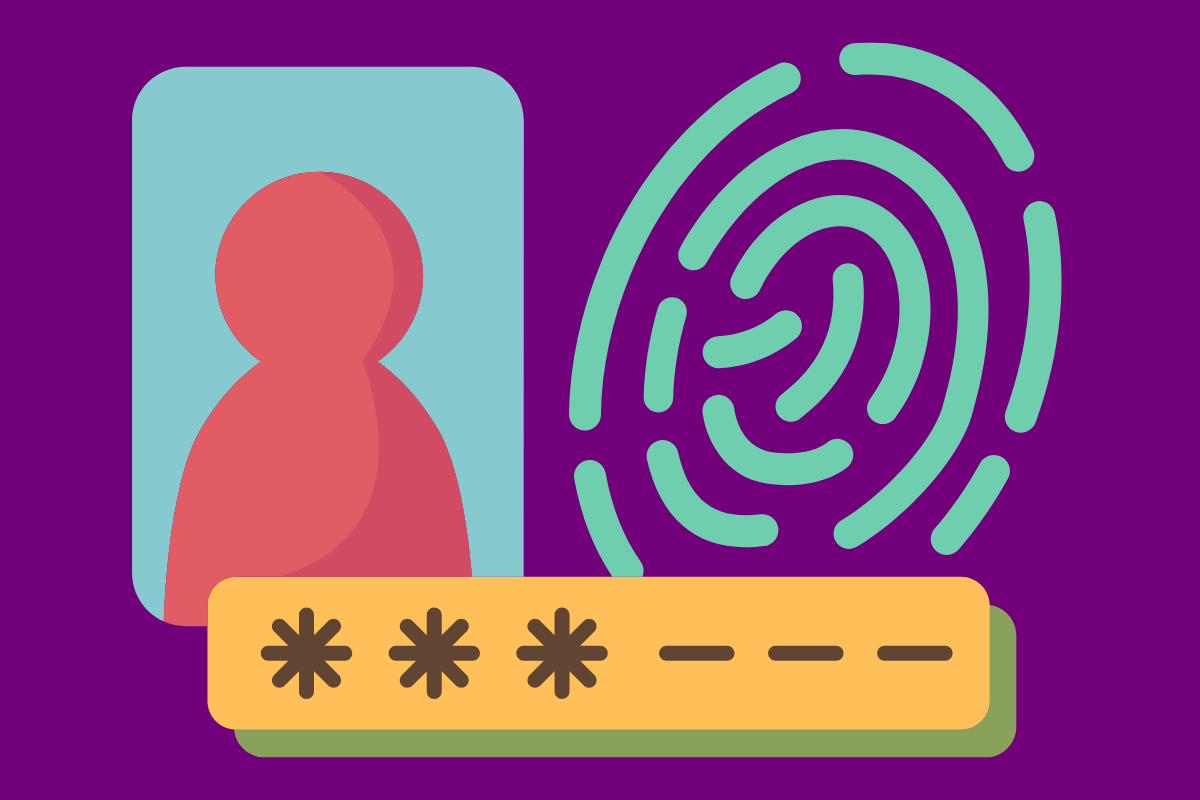
- Multi-Factor Authentication: Even strong passwords get compromised. They’re stolen in data breaches, guessed through social engineering, or captured by keyloggers installed on compromised computers. Multi-factor authentication
(MFA) requires users to prove their identity twice: with something they know (password) and something they have (usually their phone). Even if an attacker steals the password, they can’t access the account without the second factor. - Encryption: Encryption transforms readable data into gibberish that’s useless without the decryption key. Your portal needs encryption in two places: in transit (when data moves between the user’s device and your server) and at rest (when it’s stored on your servers). Even if hackers breach your server, encrypted files are useless to them without the decryption key.
- Access Controls: Your articling student shouldn’t see the same files as the senior partner. A client shouldn’t access another client’s case files just because both are in your system. Role-based access controls let you set permissions at a granular level. This applies the principle of least privilege: users only get access to what they need for their role, nothing more. An attacker who compromises a client’s account gets access only to that client’s files, not your entire database.
- Activity Logs: Your portal should track everything: who logged in, when they accessed which files, what they downloaded, which messages they sent. These audit trails help you detect suspicious activity, provide evidence of compliance, and create accountability. Just knowing that downloads are logged can make users think twice before accessing files they shouldn’t.
File Sharing That Won’t Haunt You Later
Every file uploaded to your portal needs automatic virus and malware scanning before anyone can download it. Clients might accidentally upload infected files from their personal computers and malicious actors might try to smuggle malware into your system disguised as legitimate documents.
Good portal software scans files automatically and quarantines anything suspicious. The client gets a clear message that their file couldn’t be uploaded due to security concerns. Your IT team then gets an alert to investigate. Nobody downloads an infected file and compromises your network.
File Retention: Balancing Access and Risk
Not every file should live in your portal forever. Some firms keep everything indefinitely, creating a growing pile of data that increases storage costs and security risks. The more data you have, the more there is to steal in a breach.
Configure your portal to automatically archive or delete files according to your retention policies. For example, after a case closes, you might keep files accessible for one year, then archive them for the required retention period, then delete them. However, be sure to warn your clients before files expire, so they have time to download anything they need for their records. But once the retention period ends, removing files reduces your risk and simplifies your data management.
Smart Restrictions on Size and File Types
Allowing users to upload 5GB video files will quickly fill your storage and slow down your system. Permitting executable files (.exe) or script files creates security risks, as these file types are common vectors for malware.
The solution is to set reasonable upload limits based on your typical use. For most law firms, 25MB per file covers documents, images, and small PDFs. If clients occasionally need to share larger files, provide an alternative method like a one-time secure file transfer service. You should also block risky file types entirely. Clients don’t need to upload .exe files, .bat scripts, or .jar files through your portal. If someone tries, it’s either a mistake or an attack and either way, blocking it prevents problems.
Mobile Security That Actually Works
Many clients want portal access on their phones. That’s reasonable and convenient, but mobile devices create security challenges. They’re easier to lose or steal. They connect to public Wi-Fi networks. They install apps from questionable sources.
If your portal offers a mobile app, it should require biometric authentication (fingerprint or face recognition) where available. The app should automatically log out after a period of inactivity, prevent screenshots of sensitive information, and block screen recording. For sensitive data, consider requiring users to authenticate again before viewing, as a client might leave their phone unlocked on a restaurant table. Requiring authentication before viewing case documents adds a layer of protection for those moments of carelessness.
What Success Actually Looks Like
The real measure of success is what doesn’t happen: the breach that never occurs because MFA blocked an attacker. The malpractice claim that never gets filed because audit logs proved your security practices. The regulatory fine you never pay because your data was properly encrypted.
Your clients trust you with information that could harm them if exposed. A secure client portal honors that trust by making data protection the default, not an afterthought. The technology exists. The best practices are established. What remains is the commitment to implement them consistently and maintain them vigilantly.